
8 September 2023 | IT Tips
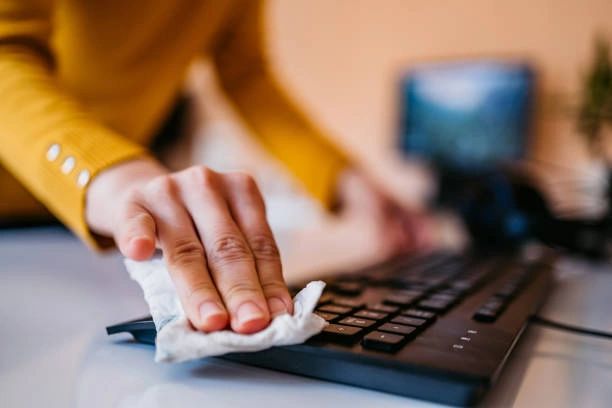
In the rapidly evolving digital landscape, laptops have emerged as essential instruments for professionals in diverse fields. These devices serve as central hubs for a wide range of work-related activities, underscoring the critical significance of their maintenance and upkeep. Overlooking the welfare of your office laptop can result in diminished performance, shortened lifespan, and the risk of data loss. Within this guide, we will offer valuable insights and practical advice on how to properly care for your office laptop, ensuring it remains durable and operates at its peak efficiency.
According to a survey conducted by technology experts, it was found that:
- 75% of laptop issues and malfunctions are attributed to neglecting regular cleaning and maintenance.
- 60% of laptop-related accidents involve spills from food and drinks.

- Over 80% of professionals reported that they do not regularly update their operating systems and software, leaving their laptops vulnerable to security threats.
- 70% of laptop users have experienced accidental physical damage due to mishandling.
- 95% of laptop thefts occur in unsecured environments.
- Proper laptop care and maintenance can extend the device’s lifespan by up to 30%, saving both time and money on replacements and repairs.
14 Tips and Tricks for Taking Care of Your Office Laptop:
1. Regular Cleaning:
Dust and dirt accumulation can hamper your laptop’s performance and lead to overheating. Use appropriate cleaning materials to regularly clean your laptop’s screen and keyboard.
2. Avoid Food and Drinks:
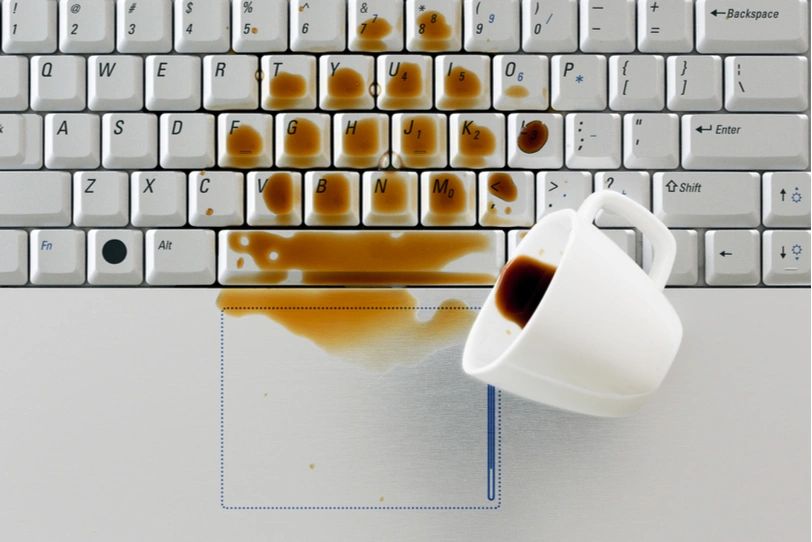
Eating or drinking near your laptop poses a significant risk of spills that can damage the keyboard and internal components. Keep food and beverages away from your workspace.
3. Screen Protection:
Consider applying screen protectors to prevent scratches and smudges on your laptop screen, ensuring clear visibility.
4. Safe Transport:
When carrying your laptop, hold it securely and avoid dropping it. Power down or put it to sleep before moving to prevent any sudden shocks.
5. Software Updates:

Keep your operating system and software up to date with the latest security patches and updates. This safeguards your laptop against malware and security threats.
6. Handle with Care:
Always handle your laptop gently to prevent physical damage. Close the laptop lid carefully and avoid slamming it shut.
7. Proper Storage:
When not in use, store your laptop in a cool, dry place away from direct sunlight to prevent potential heat damage.
8. Secure Environment:
Keep your laptop in a secure location when not in use to deter theft and unauthorized access.
9. Regular Maintenance:
Schedule routine maintenance and cleaning for your laptop, especially in high-use environments, to keep it running smoothly.
10. Avoid Magnetic Fields:
Keep your laptop away from strong magnetic fields, as they can interfere with the hard drive and potentially lead to data loss.
11. Proper Shut Down:
Always shut down your laptop properly instead of force-rebooting it to prevent file corruption and system errors.
12. Designate a Workspace:
When working from home, establish a dedicated workspace that is free from potential hazards like food, drinks, or clutter. This promotes a conducive and safe working environment.
13. Use a Laptop Stand:
Elevate your laptop with a stand or docking station to improve ergonomics and airflow, reducing the risk of overheating and discomfort during prolonged use.

14. Avoid Overheating:
Ensure proper ventilation by not obstructing your laptop’s vents with papers or other objects, helping to maintain optimal performance.
” In today’s digital age, our office laptops are invaluable tools that facilitate our work and productivity. Neglecting their maintenance can lead to significant disruptions and even data loss. By implementing the tips and tricks outlined in this guide, you can ensure that your office laptop remains in top condition, prolonging its lifespan and safeguarding your critical work.”
“Parle Technologies: Empowering Your Digital Journey with Expert Guidance”
Share this post: