
03 September 2026 | IT Tips
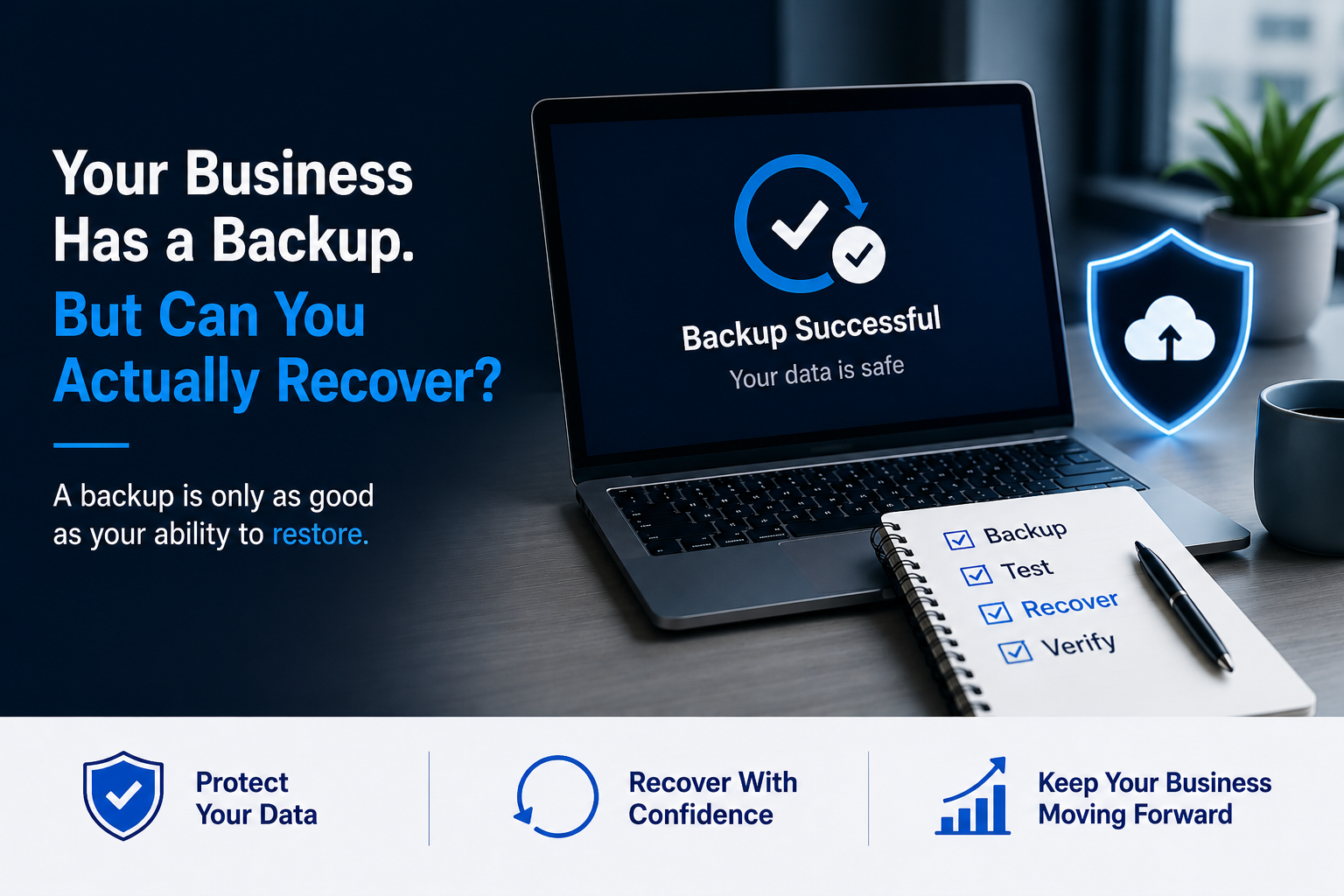
Most businesses understand the importance of backing up their data.
Files are copied to the cloud. Servers are backed up automatically. Microsoft 365 data may be protected. Backup dashboards show green checkmarks.
Everything looks good.
But there is one question businesses often forget to ask:
If something went wrong today, could we actually recover?
Having a backup and being able to successfully restore your business are not the same thing.
A backup gives you a copy of your data.
A recovery plan proves you can use that copy when you need it most.
A Successful Backup Doesn’t Always Mean a Successful Recovery
Seeing “Backup Successful” is reassuring.
But it only confirms that a backup process completed. It doesn’t necessarily prove that your organization can restore the right systems and data within the time your business requires.
A recovery attempt can fail or take longer than expected because:
- Backup files are incomplete or corrupted
- Important systems were never included in the backup
- Recovery credentials are unavailable
- Backup configurations are outdated
- Nobody knows the correct recovery procedure
- Restoring an entire system takes longer than expected
- Backups are accessible from compromised systems
- The organization has never tested a full restore
You don’t want to discover one of these problems during an actual emergency.
That’s why testing is such an important part of backup management.
Why Recovery Matters More Than Ever
Modern businesses depend on technology for almost everything.
Email, documents, customer information, financial records, cloud applications, databases, and internal systems may all be essential to everyday operations.
At the same time, small and midsize organizations continue to face serious cybersecurity threats.
According to Verizon’s 2026 Data Breach Investigations Report, its small- and medium-sized business dataset included 7,256 security incidents and 7,152 confirmed breaches.
The report also found that System Intrusion, Basic Web Application Attacks, and Social Engineering represented 100% of the breaches categorized in its SMB analysis.
For SMB breaches where an initial access vector was identified, exploitation of vulnerabilities accounted for 26%, credential abuse for 13%, and phishing for 9%.
The takeaway is simple:
Small businesses are not too small to be targeted.
And when an incident occurs, recovery becomes just as important as prevention.
Ransomware Can Target Your Backups Too
One dangerous assumption is:
“Even if ransomware hits us, we’ll just restore from backup.”
That strategy only works if the backups survive the attack.
CISA specifically recommends maintaining offline, encrypted backups of critical data and regularly testing their availability and integrity.
Why offline?
Because many ransomware variants attempt to find accessible backups and delete or encrypt them, making recovery much more difficult.
A good backup strategy therefore shouldn’t depend on one copy of your data sitting somewhere on the same network.
Your backups need protection too.
Backup Is Only Step One
Think about recovery as a process:
Backup → Incident → Restore → Verify → Resume Business
Every part matters.
1. Backup
Critical business data and systems are backed up on an appropriate schedule.
2. Incident
Something disrupts normal operations.
It could be:
- Ransomware
- Hardware failure
- Accidental deletion
- Software failure
- Cloud service issue
- Natural disaster
- Human error
3. Restore
Your IT team begins recovering systems and data from a known-good backup.
4. Verify
The restored information is checked to make sure it is complete, current, and usable.
5. Resume Business
Employees regain access to the systems and information they need, allowing normal operations to continue.
A backup that cannot successfully complete this process isn’t providing the protection your business expects.
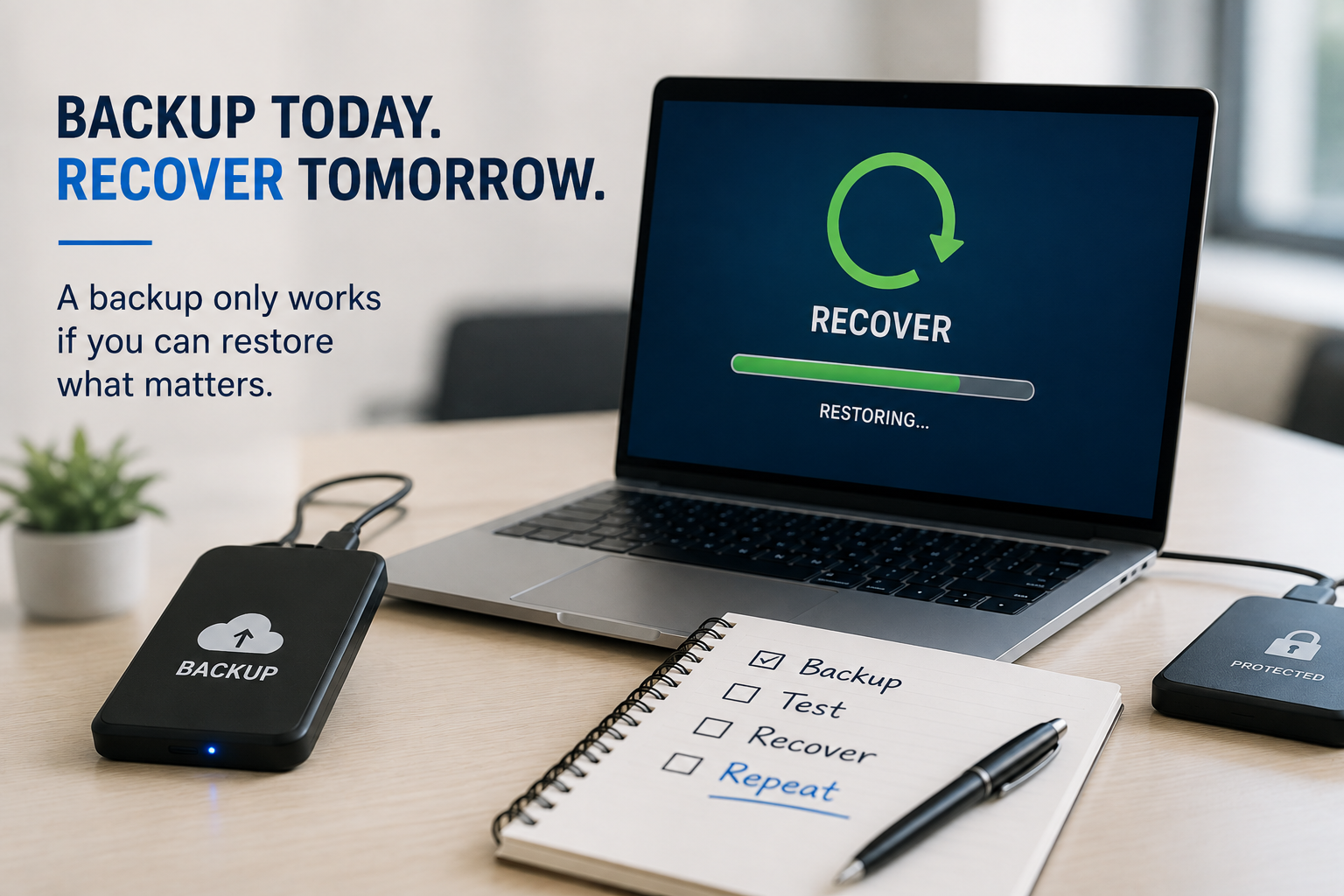
When Was the Last Time You Tested a Restore?
This is one of the most important questions to ask about your backup environment.
When was the last successful recovery test?
Not:
“When was the last backup?”
But:
“When did we actually restore something from it?”
CISA recommends regularly testing backup procedures and verifying the availability and integrity of backups in a disaster-recovery scenario.
NIST reinforces the same principle. Its 2026 backup guidance identifies creating backups regularly, testing them, and reviewing them during recovery exercises as key parts of effective backup management.
A recovery test can help identify problems while there is still time to correct them.
What Should a Recovery Test Check?
A useful recovery test doesn’t always require shutting down your entire company.
Organizations can test individual systems, files, applications, or recovery procedures depending on their environment.
At minimum, you should be able to answer:
Can We Restore the Data?
Select important files or systems and confirm that they can actually be recovered.
Is the Restored Data Usable?
A file existing after restoration isn’t enough.
Open it.
Check it.
Make sure the information is complete and usable.
Are We Backing Up Everything Important?
Businesses change.
New applications are introduced, employees create data in new locations, and cloud services are added.
Your backup strategy should change with the business.
How Long Does Recovery Take?
Restoring 50 MB of files is very different from rebuilding an entire server or recovering several terabytes of business data.
Testing provides a more realistic understanding of recovery time.
Who Is Responsible?
If a major outage happens, employees should know:
- Who declares the incident
- Who contacts IT
- Who begins recovery
- Which systems are restored first
- Who communicates with employees and customers
- Who verifies that systems are safe to use again
Technology alone doesn’t create a recovery plan.
People and procedures matter too.
Two Recovery Numbers Every Business Should Know
Backup conversations often include two terms:
RPO and RTO.
They sound technical, but the concepts are simple.
Recovery Point Objective (RPO)
How much data can your business afford to lose?
Imagine backups run every 24 hours.
If a system fails shortly before the next backup, you could potentially lose nearly a full day’s worth of changes.
If losing one day of data is unacceptable, your backup frequency may need to change.
Recovery Time Objective (RTO)
How long can your business operate without the system?
Could your company function without email for:
1 hour?
4 hours?
A full business day?
What about your accounting system, shared files, customer database, or other critical applications?
Different systems can have different recovery priorities.
Knowing your RTO helps determine how quickly those systems need to be restored.
Not All Business Data Is Equally Critical
During a major disruption, trying to restore everything simultaneously may not be practical.
Businesses should identify which systems are most important.
For example:
Priority 1 Business Critical
Systems required to keep core operations functioning.
Priority 2 Important
Systems employees need but that the organization can temporarily operate without.
Priority 3 Non-Critical
Systems that can wait until essential services have been restored.
This prioritization helps your IT team focus on restoring the systems that have the greatest business impact first.
A Simple Backup & Recovery Checklist
Ask your IT team these questions:
- Are our critical systems and business data backed up?
- How frequently do those backups run?
- Are backups encrypted?
- Do we maintain protected or offline backup copies where appropriate?
- Can ransomware or a compromised administrator reach our backups?
- When was our last successful restore test?
- Have we tested recovering an entire system—not just one file?
- Do we know our RPO and RTO?
- Which systems need to be restored first?
- Who is responsible during a recovery event?
- Is our recovery process documented?
- Do we periodically review and update the plan?
If several answers are “we’re not sure,” that is worth addressing before an actual incident occurs.
Don’t Wait for an Emergency to Test Your Backup
The worst time to discover a backup problem is when your business desperately needs the backup.
A good backup strategy isn’t simply:
“Our data is being backed up.”
It should be:
“Our data is backed up, protected, tested, and we know how to recover it.”
Regular testing helps businesses identify gaps before those gaps become emergencies.
Because ultimately, the purpose of a backup isn’t to create another copy of your data.
The purpose is to get your business running again.
How Parle Technologies Can Help
At Parle Technologies, we help businesses prepare for unexpected disruptions with reliable Backup & Disaster Recovery solutions designed around business continuity.
Our approach can help organizations:
- Protect critical business data
- Monitor backup health and failures
- Maintain secure backup strategies
- Test data restoration
- Develop recovery procedures
- Identify recovery priorities
- Reduce downtime during disruptions
- Strengthen ransomware resilience
- Improve overall business continuity
We don’t want businesses to simply assume their backups will work.
We want them to know they can recover.
Your backup says “Successful.” Is your recovery plan successful too?
Website: www.parletech.com
If you are ready to secure and upgrade the IT Infrastructure of your business, Connect Now!