03 September 2026 | IT Tips
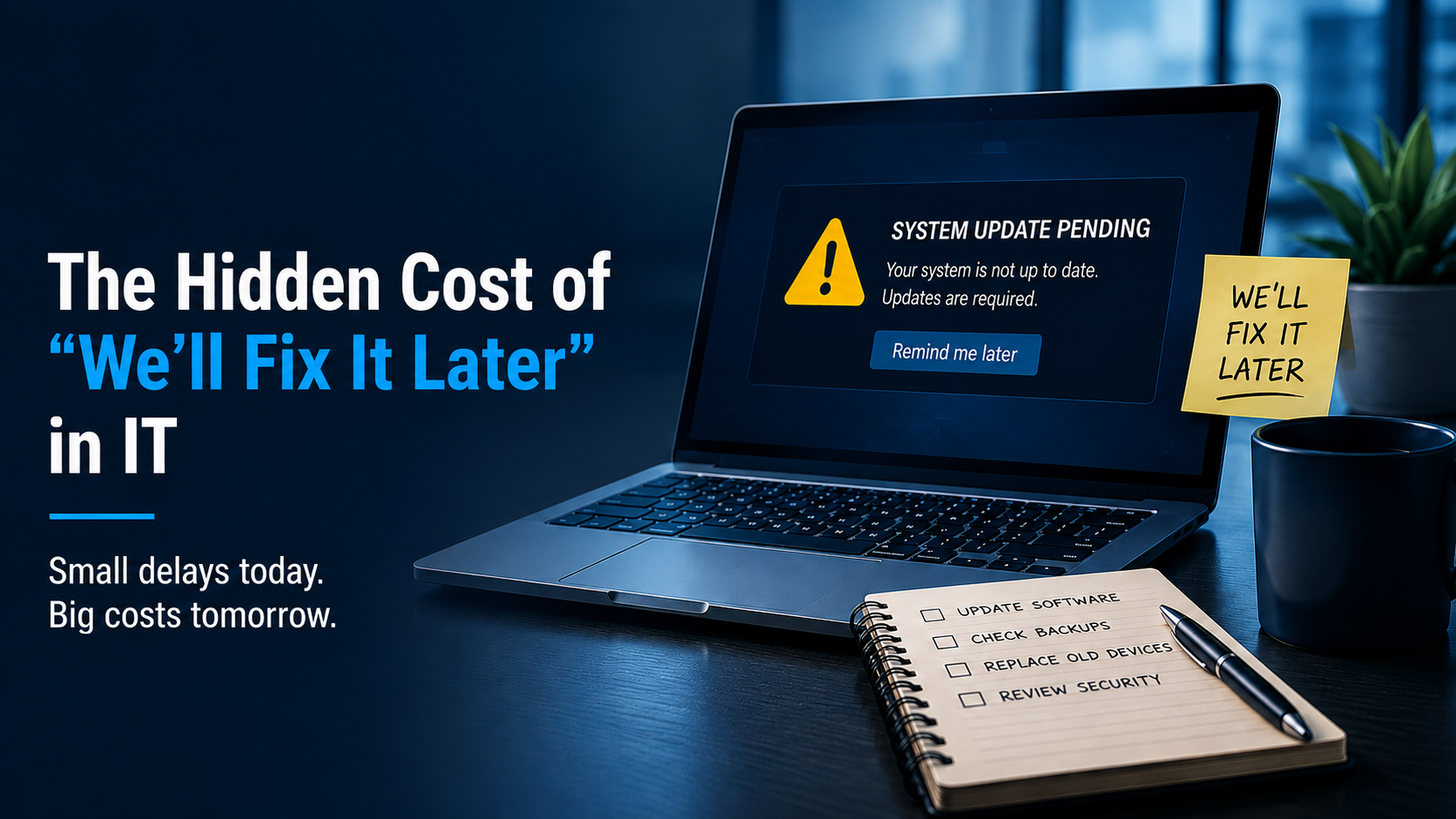
A slow laptop.
A software update that keeps getting postponed.
A recurring network problem.
An employee who has found a workaround for an IT issue instead of reporting it.
Individually, these problems may not seem urgent. It is easy to say:
“It still works. We’ll fix it later.”
But in IT, “later” can become expensive.
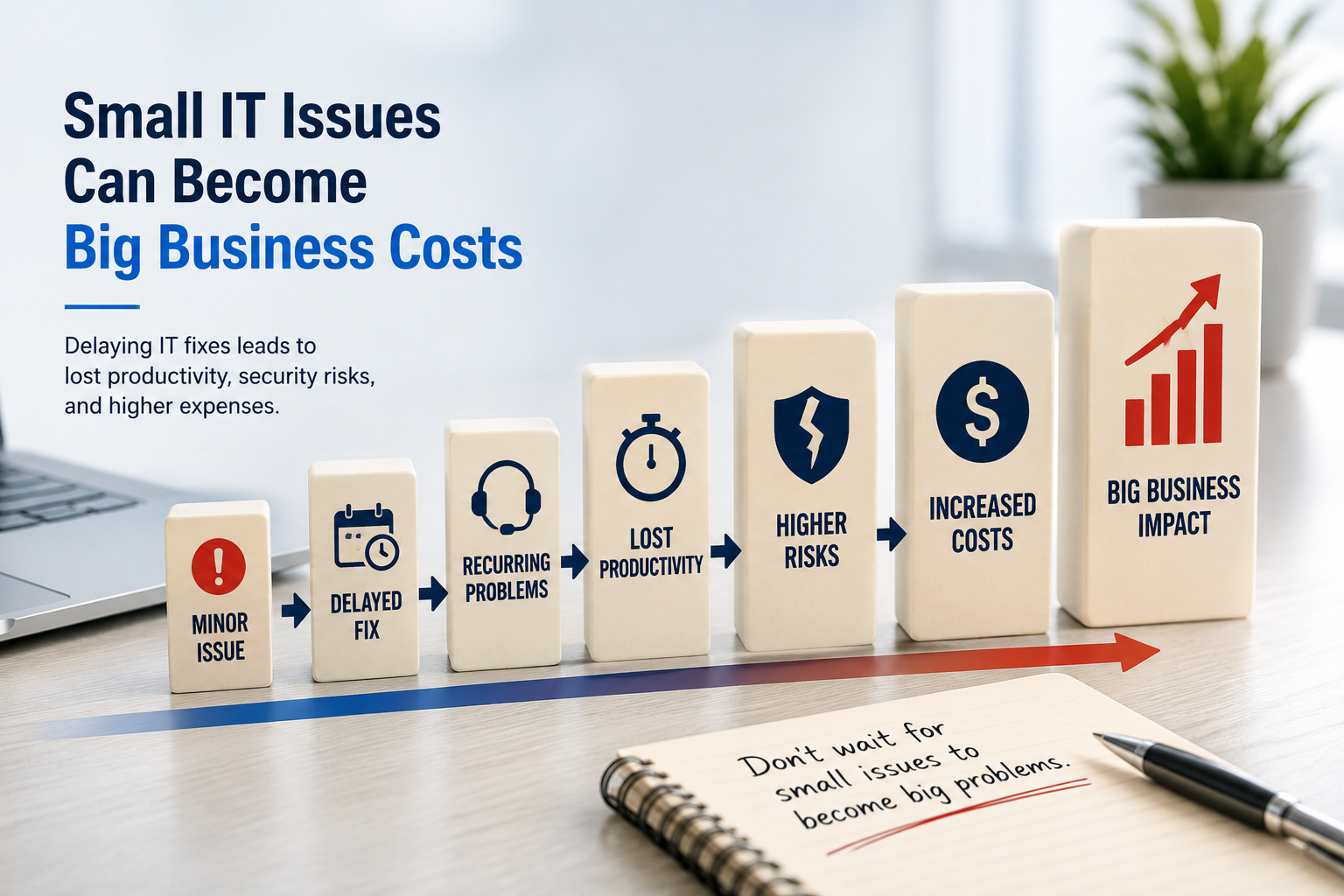
Small technology problems rarely stay isolated. They consume employee time, create recurring support issues, increase security risks, and can eventually turn into downtime or a much larger IT problem.
The real question isn’t whether you can postpone an IT issue.
It’s how much postponing it could eventually cost your business.
The Small IT Problems Businesses Learn to Live With
Many businesses operate every day with technology issues that have simply become “normal.”
For example:
- Computers that take too long to start or load applications
- Wi-Fi or network issues that happen repeatedly
- Software that is outdated or no longer needed
- Security updates waiting to be installed
- Employees manually completing tasks that could be automated
- Recurring help desk problems that never receive a permanent fix
- Old devices that are kept in service because they haven’t completely failed
- Backup systems that are configured but rarely tested
Employees often create temporary workarounds and continue working.
The problem may appear solved.
But the cost hasn’t disappeared it has simply moved somewhere else.
1. Lost Employee Time Adds Up Quickly
Consider a small IT problem that wastes only 10 minutes per employee each day.
That may not sound significant.
For a company with 25 employees:
10 minutes × 25 employees = 250 minutes per day
That’s more than 4 hours of employee time every business day.
Across approximately 250 working days, that becomes more than 1,000 hours of lost productivity per year.
And employee time has a real financial value.
According to the U.S. Bureau of Labour Statistics, private-industry employers paid an average of $46.60 per employee hour in total compensation in March 2026, including wages and benefits.
Using that average, 1,000 hours of lost employee time represents roughly:
$46,600 in employee compensation tied to unproductive time.
That is only an illustration—the actual impact will vary by organization but it demonstrates something important:
Small inefficiencies multiplied across employees and months can become significant business costs.
2. Delaying Updates Can Become a Security Problem
“We’ll update it later” can be especially risky when the issue involves cybersecurity.
Software and operating-system updates frequently address known vulnerabilities. Delaying those updates can leave systems exposed longer than necessary.
The 2026 Verizon Data Breach Investigations Report found that exploitation of vulnerabilities had become the most common initial-access vector in its breach dataset, accounting for 31% of breaches where an initial access vector was identified.
The same report found that only 26% of critical vulnerabilities in CISA’s Known Exploited Vulnerabilities cataloge were fully remediated by organizations in 2025, while the median time for full resolution increased to 43 days.
That matters because attackers don’t necessarily need a brand-new vulnerability.
Sometimes they simply need businesses to leave a known one unfixed.
CISA recommends organizations remediate actively exploited vulnerabilities and notes that patching is generally the primary remediation approach, with mitigations such as limiting access, isolating systems, or changing configurations when immediate patching isn’t possible.
A postponed update today can become tomorrow’s security incident.
3. Recurring Problems Cost More Than Permanent Fixes
Imagine an employee experiences the same application problem every few weeks.
IT fixes it.
A month later, it happens again.
IT fixes it again.
The ticket gets closed each time, but the underlying problem remains.
This creates a cycle:
Problem → Support Request → Temporary Fix → Problem Returns → Another Support Request
Every cycle consumes:
- Employee time
- IT support time
- Management attention
- Productivity
- Potentially billable working hours
Instead of asking only:
“How quickly did we close the ticket?”
Businesses should also ask:
“Why does this ticket keep coming back?”
A permanent fix may require more effort initially, but eliminating the root cause can prevent dozens of future interruptions.
4. Aging Technology Doesn’t Have to Fail to Cost Money
Businesses often replace technology only when it stops working completely.
But there is a long period between “new” and “broken.”
During that period, an aging computer might:
- Take longer to boot
- Run applications slowly
- Freeze unexpectedly
- Require more support
- Struggle with modern software
- Miss newer security capabilities
- Interrupt employees throughout the day
The device technically works.
But the employee using it may be losing several minutes every day.
For organizations with many aging devices, that hidden productivity loss can become much more expensive than a planned hardware refresh.
5. “We’ll Fix It Later” Can Eventually Become Downtime
Minor issues sometimes provide warning signs before a larger failure.
A server repeatedly running out of storage.
A backup job occasionally failing.
A firewall approaching end of support.
A computer repeatedly crashing.
A network connection becoming increasingly unreliable.
Ignoring these signals doesn’t guarantee that something catastrophic will happen.
But it removes opportunities to correct problems before they affect business operations.
And when systems stop working, the cost isn’t limited to repairing the technology.
Downtime can also mean:
- Employees unable to work
- Customers unable to receive service
- Delayed projects
- Missed sales opportunities
- Data recovery costs
- Reputational damage
Preventing an issue is often far less disruptive than recovering from one.
From Reactive IT to Proactive IT
The alternative isn’t replacing every computer or buying more technology.
It is identifying problems early and deciding which ones actually need attention.
A proactive IT strategy can include:
Monitor Device Health
Track storage, performance, updates, antivirus status, and other warning signs before users experience major problems.
Patch Systems Regularly
Keep operating systems, applications, firewalls, and other critical technology updated.
Identify Recurring Support Issues
Review help desk tickets and investigate problems that repeatedly affect the same users, devices, or applications.
Maintain a Technology Lifecycle
Know which computers, servers, network devices, and applications are approaching end of life or end of support.
Review Software and Licenses
Remove unused applications and subscriptions while ensuring employees have the tools they actually need.
Test Backups
A backup should not simply exist.
Businesses should verify that critical data can actually be recovered when needed.
Plan Instead of React
Replacing aging equipment on a schedule is usually easier to manage than replacing it during an emergency.
Fix Small Problems Before They Become Big Ones
Not every IT issue requires immediate action.
But repeatedly postponing technology problems without understanding their impact creates hidden costs.
Those costs may appear as:
10 minutes lost here.
Another support ticket there.
A delayed update.
An aging computer.
A backup nobody has tested recently.
Individually, they seem small.
Together, they can affect productivity, security, reliability, and ultimately the cost of running your business.
How Parle Technologies Can Help
At Parle Technologies, we believe IT should do more than simply work.
It should help your business work efficiently, securely, and reliably.
Our managed IT services help businesses move away from the “fix it when it breaks” approach through:
- Proactive system and endpoint monitoring
- IT help desk support
- Patch and vulnerability management
- Cybersecurity protection
- Network monitoring and management
- Cloud services
- Backup and disaster recovery
- IT inventory and lifecycle management
By identifying problems early and addressing recurring issues at their source, businesses can reduce disruptions and get more value from their technology.
Website: www.parletech.com
If you are ready to secure and upgrade the IT Infrastructure of your business, Connect Now!