
03 September 2026 | IT Tips
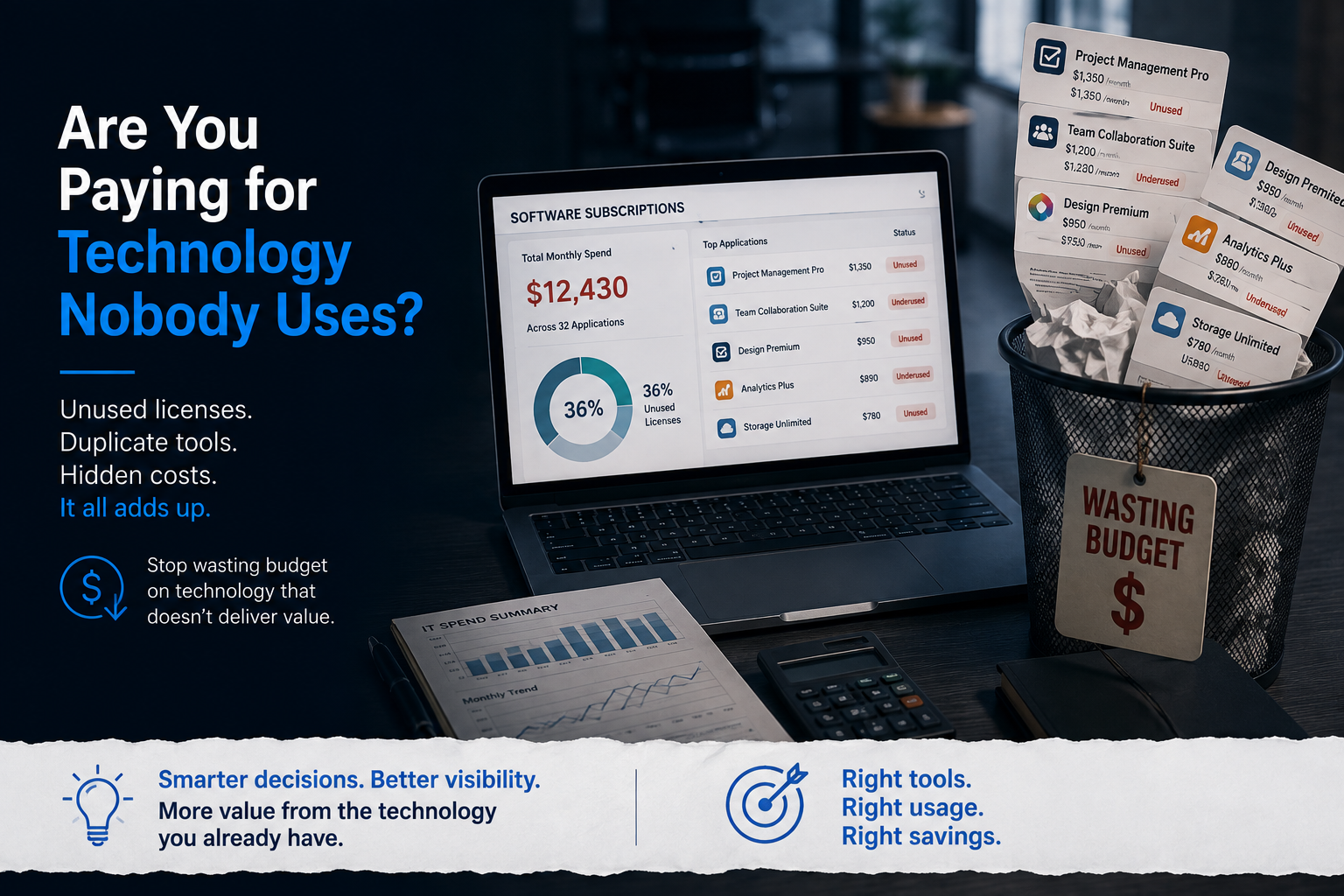
Are You Paying for Technology Nobody Uses?
Businesses rely on technology for almost everything.
Email, cloud storage, cybersecurity, project management, accounting, communication, file sharing, collaboration, and dozens of other everyday tasks.
Every application may have made sense when it was purchased.
But over time, employees leave, projects end, business needs change, and new applications replace old ones.
The question is:
Are you still paying for technology nobody uses?
An unused license may only cost a few dollars each month. But when unused subscriptions, duplicate applications, and unnecessary premium licenses accumulate across a business, those small expenses can quietly become a much larger problem.
The Hidden Cost of Unused Technology
Software subscriptions are easy to purchase.
They’re also easy to forget.
Many applications automatically renew monthly or annually, which means a business can continue paying for a service long after employees stop using it.
This isn’t just a theoretical problem.
U.S. government reviews have found significant unnecessary spending caused by poor software license management.
In one documented case, a U.S. agency spent approximately $15 million over five years on unused software licenses.
Another federal office was found to have spent approximately $2.1 million more than necessary on unused licenses.
Your business may operate on a much smaller scale, but the underlying problem is the same:
If you don’t regularly compare what you’re paying for with what employees actually use, unnecessary costs can remain hidden.
Where Does Technology Waste Come From?
Technology waste rarely comes from one major purchase.
It usually builds gradually.
Here are some of the most common places to look.
1. Licenses Assigned to Former Employees
An employee leaves the company.
Their email account is disabled.
Their laptop is returned.
But what happens to all their software licenses?
If offboarding doesn’t include a complete application review, paid licenses can remain assigned long after an employee has left.
This can happen with:
- Productivity software
- Project management tools
- Cloud applications
- Design software
- Communication platforms
- Security applications
- Industry-specific software
One forgotten license might not make much difference.
But if this happens repeatedly, your business could be paying every month for users who no longer exist.
2. Premium Licenses Employees Don’t Need
Not every employee needs the highest software plan available.
Someone may have needed advanced features for a specific project and received a premium license.
The project ends.
Their responsibilities change.
But the premium license remains.
If the employee only uses basic features, the business may be able to move them to a lower-cost plan without affecting their work.
This is why businesses shouldn’t only ask:
“Is the employee using the application?”
They should also ask:
“Are they using the features we’re paying for?”
3. Multiple Applications Doing the Same Job
Technology environments naturally grow over time.
One department starts using one application.
Another department selects something different.
Later, a third application is introduced.
Eventually, the business may have several tools performing very similar functions.
For example, you might have multiple platforms for:
- Video meetings
- File storage
- Project management
- Team communication
- Electronic signatures
- Password management
- Reporting
- Task management
There may be a valid reason to keep more than one.
But there should be a reason.
If two applications solve the same problem for the same employees, you’re potentially paying twice for the same capability.
4. Forgotten Subscriptions
Here’s a common scenario.
An employee needs a tool for a short project.
They sign up for a free trial.
A company credit card is entered.
The project finishes.
The subscription doesn’t.
Because the monthly charge is relatively small, nobody notices.
Now imagine that happening several times across multiple departments.
A few forgotten subscriptions can quickly become hundreds or thousands of dollars in unnecessary annual spending.
5. Software Purchased Outside IT
Not every application goes through the IT department.
Employees sometimes purchase software directly because they need to solve a problem quickly.
That may seem convenient, but it creates another challenge:
The business may not know everything it is paying for.
Different applications could be purchased using:
- Department budgets
- Employee expense reports
- Corporate credit cards
- Monthly subscriptions
- Annual subscriptions
This makes it harder to understand the organization’s true technology costs.
It can also create security concerns when company information is stored in applications that haven’t been properly reviewed.
What Could Unused Technology Cost Your Business?
Consider a simple example.
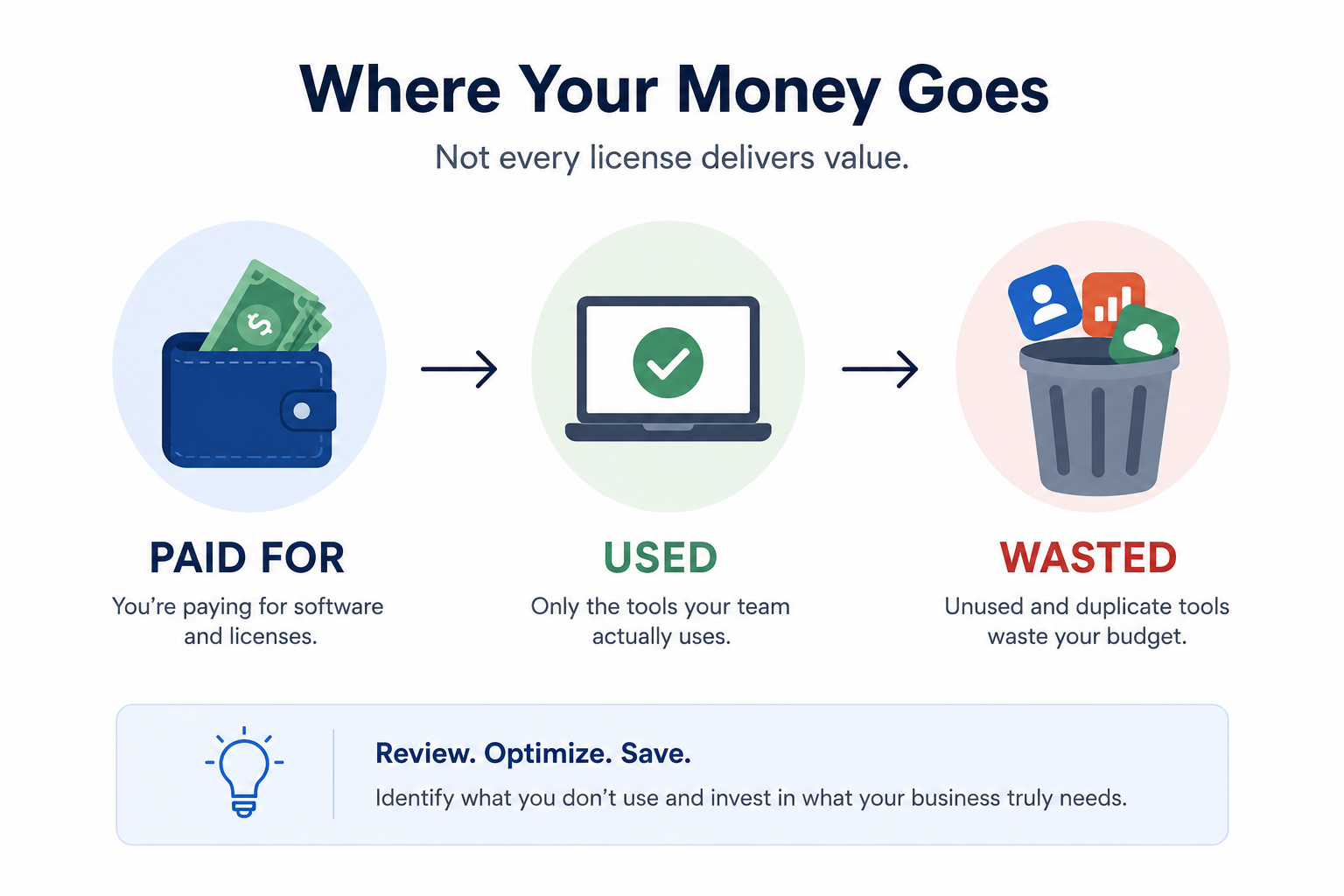
Imagine a 50-person business discovers:
- 10 unused licenses costing $20 per month
- 5 unnecessary premium licenses costing an extra $25 per month
- 4 forgotten subscriptions costing $40 per month
- 3 duplicate applications costing $50 per month
That’s:
$635 every month
Over one year:
$7,620
Over three years:
$22,860
And that’s only an example involving a relatively small number of subscriptions.
The point isn’t that every business is wasting exactly this amount.
The point is that small recurring expenses become significant when nobody reviews them.
Technology Waste Isn’t Always Obvious
Not every unnecessary technology expense looks the same.
Unused
Nobody actively uses the application.
Consider: Removing or cancelling it.
Underused
Employees have access but rarely use it.
Consider: Whether the license is still necessary.
Over-Licensed
Employees have a premium plan but only use basic features.
Consider: Moving them to a more appropriate license.
Duplicate
Another application already provides the same functionality.
Consider: Consolidating tools.
Forgotten
The original project or requirement ended, but the subscription continues.
Consider: Cancelling it before the next renewal.
Unmanaged
An application was purchased without normal IT review.
Consider: Determining whether it is necessary, secure, and approved.
There’s Also a Security Cost
Unused applications don’t just affect your technology budget.
They can also create unnecessary security exposure.
Every application can potentially contain:
- User accounts
- Company files
- Customer information
- Passwords
- Integrations
- API connections
- Business records
If nobody is actively managing an application, outdated accounts or unnecessary access may remain.
Software asset management guidance emphasizes maintaining visibility into the software within an organization’s environment because unmanaged or unauthorized software can create additional security risk.
That means reviewing technology helps answer two important questions:
Are we paying for something we don’t need?
and
Are we creating unnecessary security exposure from something we don’t need?
Start With a Simple Technology Audit
You don’t necessarily need another tool to identify technology waste.
Start by understanding what you already have.
Step 1: Build a Software Inventory
Create a list of your paid applications.
For each one, record:
- Application
- Business purpose
- Number of licenses
- Users assigned
- Monthly or annual cost
- Contract owner
- Renewal date
- Actual usage
This creates visibility into where your technology budget is going.
Step 2: Compare Purchased Licenses With Actual Usage
Don’t just count how many licenses you purchased.
Determine how many employees actually use them.
Look for:
- Former employees
- Disabled accounts
- Users who haven’t logged in recently
- Duplicate accounts
- Unnecessary premium licenses
- Licenses assigned “just in case”
Regularly comparing purchased licenses with actual usage can help identify opportunities to reduce unnecessary spending.
Step 3: Find Duplicate Applications
Group your applications by purpose.
For example:
Communication
How many communication platforms are employees using?
File Storage
Are employees storing company information across multiple services?
Project Management
Are different teams paying for different tools that perform similar functions?
Meetings
Are you paying for additional meeting platforms when your existing technology already provides that capability?
Consolidating applications can reduce costs and make technology easier for employees to use.
Step 4: Review Software Before It Renews
Don’t wait until after a contract renews to determine whether you still need it.
Create reminders before major renewal dates.
Before approving another year, ask:
- How many licenses do we have?
- How many are actually being used?
- Do we still need the application?
- Can we reduce the number of licenses?
- Do we already own another tool that provides the same functionality?
- Can premium users move to a lower plan?
- Has the business requirement changed?
Every renewal should be a decision not an automatic expense.
Step 5: Make Software Review Part of Offboarding
When an employee leaves, don’t stop at disabling their email account.
Review all applications associated with that employee.
Where appropriate:
- Remove access
- Reclaim licenses
- Transfer business data
- Remove unnecessary accounts
- Cancel individual subscriptions
- Reassign application ownership
This improves both security and cost control.
Ask These Questions About Your Technology
Before purchasing another application, ask:
- What software are we currently paying for?
- Who uses each application?
- Do former employees still have licenses?
- Are employees assigned premium features they don’t use?
- Are we paying for multiple applications that perform the same function?
- Do we know when our major subscriptions renew?
- Are unused licenses regularly reclaimed?
- Are employees purchasing applications outside the normal approval process?
- Could something we already own provide the same functionality?
- Is every application still providing enough value to justify its cost?
If your business can’t easily answer these questions, there may be opportunities to optimize your technology spending.
More Technology Doesn’t Always Mean Better Technology
Adding another application is easy.
Managing everything you’ve already purchased is harder.
Businesses don’t necessarily need fewer tools.
They need the right tools for the right employees at the right cost.
Regular technology reviews can help:
- Reduce unnecessary spending
- Reclaim unused licenses
- Eliminate duplicate applications
- Improve security
- Simplify employee workflows
- Improve technology budgeting
- Prepare for upcoming renewals
- Get more value from existing investments
Sometimes the smartest technology investment isn’t buying something new.
It’s making better use of what you already have.
How Parle Technologies Can Help
At Parle Technologies, we help businesses better understand, manage, and optimize their technology environments.
Through proactive IT management, we can help organizations:
- Review software and licensing
- Identify unused licenses
- Manage employee onboarding and offboarding
- Track technology assets
- Identify overlapping applications
- Plan for software renewals
- Improve technology standardization
- Strengthen application security
- Align IT spending with actual business needs
Technology should create value for your organization not quietly drain your budget.
Before you buy another tool, take a closer look at the technology you’re already paying for.
You might be surprised by what nobody is using.
Website: www.parletech.com
If you are ready to secure and upgrade the IT Infrastructure of your business, Connect Now!