
28 July 2023

In today’s interconnected world, staying connected to the internet has become a necessity, and public Wi-Fi networks offer convenience when we’re on the go. However, these networks can pose significant security risks, leaving our sensitive data vulnerable to unauthorized access and potential cyber threats. To safeguard our online presence and protect our personal information, it’s crucial to adopt a series of security practices when using public Wi-Fi.

In a recent survey conducted in the US, it was found that 47% of people reported using public Wi-Fi regularly. This trend comes as no surprise, given the increasing number of Americans working remotely, attending online schooling, and conserving their cellular data while on the go. Additionally, the survey revealed that 70% of tablet owners and 53% of smartphone or mobile phone owners stated that they utilize public Wi-Fi hotspots.
By prioritizing secure networks, enabling firewalls and antivirus protection, and taking advantage of VPNs and other security measures, we can create a robust defence against potential risks.
1. Prioritize Secure Networks: When connecting to Wi-Fi, opt for networks that require a password or have a captive portal. Open networks, which don’t require a password, are more vulnerable to unauthorized access and potential eavesdropping. Secure networks add an extra layer of protection for your data and communications.

2. Activate Firewall and Antivirus: Ensure that both your device’s firewall and antivirus protection are active and up-to-date. A firewall acts as a barrier between your device and the internet, controlling incoming and outgoing traffic, while antivirus software scans for and removes malicious software that could harm your system. Enabling these security measures helps prevent and detect potential threats.
3. Disable Sharing: When connected to public Wi-Fi, turn off file and printer sharing on your device. By doing so, you prevent others on the same network from accessing your files and resources without your permission. This protects your data and privacy from potential intruders.
4. Consider Using a VPN: Using a Virtual Private Network (VPN) is a good idea to encrypt your internet connection when using public Wi-Fi. A VPN creates a secure tunnel between your device and the server, making it difficult for anyone on the same network to intercept your data. It enhances your online privacy and ensures that your sensitive information remains confidential.
5. Keep Device Software Updated: Regularly update your device’s operating system, apps, and security software. Software updates often include patches for known vulnerabilities, helping to keep your device protected against potential exploits and cyberattacks.
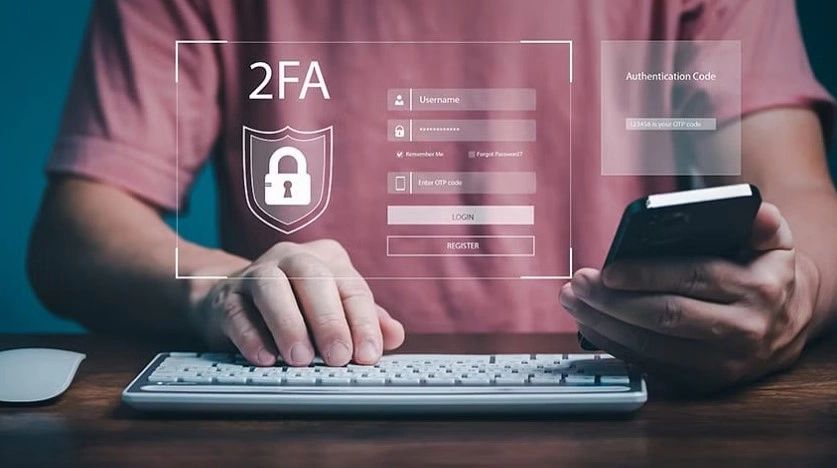
6. Enable Two-Factor Authentication (2FA): Adding an extra layer of security to your online accounts through 2FA is essential. It requires an additional step, usually a one-time code sent to your mobile device, after entering your login credentials. Even if someone manages to obtain your password, they won’t be able to access your accounts without the second factor, making it significantly more challenging for unauthorized access.
7. Use Mobile Hotspot: If you have a mobile data plan, consider using your smartphone as a personal hotspot instead of connecting to public Wi-Fi. Mobile hotspots are generally more secure than public Wi-Fi networks, as you have more control over the connection and access to your data.
8. Opt for Secure DNS: Consider using a secure DNS service, such as Google Public DNS or Cloudflare, to enhance the security of your web browsing. DNS servers translate domain names into IP addresses, and using a reputable and secure service can help protect you from potential malicious websites.
9. Always Log Out from Accounts: Remember to log out from your accounts and apps when you’ve finished using them. Logging out ensures that even if your device is compromised, unauthorized users won’t have access to your sensitive information.
10. Check Network Security: If you’re using public Wi-Fi in places like cafes or airports, inquire with the staff about the security measures they have in place to protect their network and users. This helps you assess the risks associated with using their Wi-Fi and decide if additional precautions are necessary.
11. Monitor Your Accounts: Regularly review your online accounts for any unusual activity or unauthorized access. If you notice any suspicious behavior, take immediate action, such as changing your passwords and reporting the incident to the platform provider.
12. Avoid Public File Transfer: Refrain from transferring sensitive files between devices while connected to public Wi-Fi. Public networks are more susceptible to data interception, so it’s best to wait until you’re on a secure network to transfer confidential information.
13. Use Network Encryption: When given the option, choose Wi-Fi networks that use WPA2 or WPA3 encryption. These encryption protocols are more secure than older methods like WEP and provide stronger protection for your data while connected to the network.
14. Turn Off Wi-Fi When Not in Use: When you’re not actively using Wi-Fi, keep it turned off on your device. This precaution helps prevent accidental connections to unsecured or potentially harmful networks, reducing the chances of your data being compromised.

“As the digital landscape continues to evolve, our reliance on public Wi-Fi networks grows. Nevertheless, with this convenience comes the responsibility to protect our data and privacy from prying eyes. By implementing the security practices outlined in this article, we can significantly reduce the risks associated with using public Wi-Fi. Prioritizing secure networks, enabling firewalls and antivirus software, using VPNs, and adopting two-factor authentication provide a multi-layered approach to safeguarding our online activities. Remember, staying vigilant and informed about the latest security measures will keep us one step ahead of potential threats, ensuring a safe and worry-free internet experience wherever we go. So, the next time you connect to public Wi-Fi, take a moment to secure your connection and enjoy the online world with peace of mind.”
Share this post: