29 March 2023|IT Tips
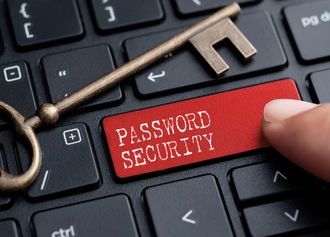
A robust password security policy is an essential building block for your business’s cyber security efforts. A strong password will prevent unauthorized access to your business’ electronic accounts and devices. Having a password security policy is an essential part of a comprehensive approach to cybersecurity that helps protect sensitive information and reduce the risk of security incidents.
What is Password Protection?
Password protection is an access control strategy that helps keep sensitive information safe from hackers by ensuring that sensitive information can only be accessed with the proper credentials,
One of the most popular data security solutions available to consumers is password protection, but if it wasn’t made with hackers in mind, it can be readily hacked.
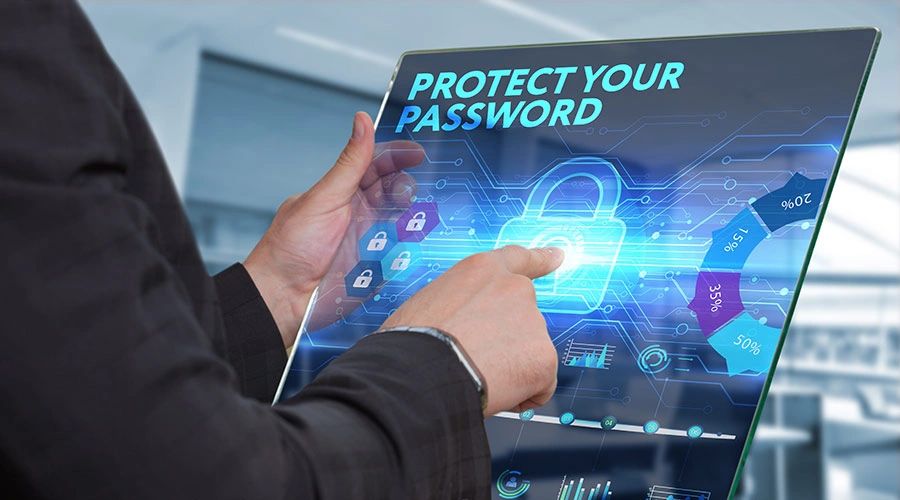
The task of remembering your ever-expanding list of logins and password combos is a big one. Creating a strong password is crucial in protecting our online identity and ensuring that we don’t become easy targets for hackers. Unfortunately, we make it all too easy for hackers with simple and easy-to-guess passwords. “12345” is still the most commonly used password throughout the world and provides no protection whatsoever should a hacker target a device. Don’t get lazy when it comes to your passwords. Take the extra time to think of something creative, complex, and something only you would remember. As a reminder: here are the most commonly used passwords of 2023
- 123456
- 123456789
- qwerty
- password
- 12345
- qwerty123
- 1q2w3e
- 12345678
- 111111
- 1234567890
Here are 20 tips to secure your Password:
1. Make your passwords at least 8 characters long. Aim for a minimum of 12-15 characters.
2. Password should be a mix of lowercase & uppercase letters, numbers, punctuation and symbols.
3. Using a mix of character types is important, but it’s also important to avoid using predictable patterns or easily guessable information.
4. Different passwords for each account. Using the same or similar password for email, banking, and social media accounts could lead to identity theft.
5. Always Use an extra layer of security with multi-factor authentication (2FA) for your primary email account
6. Use long passphrases by combining two or more unrelated words. Also, use numbers or special characters, but don’t rely on substituting @ for a or 3 for e, which are overly used and well-known.
7. Ensure to log off your system if you intend to leave your device unattended. It only takes a “site visitor” a moment to steal or change the password.
8. Keep software and applications up to date with the latest patches to minimise system vulnerability.
9. Keep antivirus and antimalware software up to date on all systems
10. Do not use information which is of a personal nature, such as age, birthday, name, child’s name, or favourite song or colour, etc as a password
11. Avoid successive keyboard combinations, such as qwerty or zxcvb. Also avoid using dictionary words, slang terms, common misspellings, or words spelt backwards.
12. Keep your passwords safe by keeping them confidential. Don’t reveal your password to anyone
13. Take advantage of two-factor authentication (the ability to confirm your identity via an additional method, such as your mobile phone), as it will certainly offer an additional layer of security.
14. Include unusual words only you would know. It should seem nonsensical to other people.
15. Start using a password manager
16. Change your passwords regularly: It’s a good practice to change your passwords every few months to reduce the risk of them being compromised.
17. Keep software and applications up to date with the latest patches to minimise system vulnerability.
18. For security questions, such as those found when clicking the “forgot password” link, do not use first names as passwords or the names of spouses, children, other relatives, or pets.
19. Do not enter passwords on unfamiliar computers or systems, such as hotels. They may harbor malware or key loggers which could capture your passwords.
20. Avoid Save and Autofill. While it’s generally not recommended to save or autofill passwords, using a reputable password manager can provide a more secure way to store and autofill passwords.
Share this post: