24 October 2024 | IT Tips
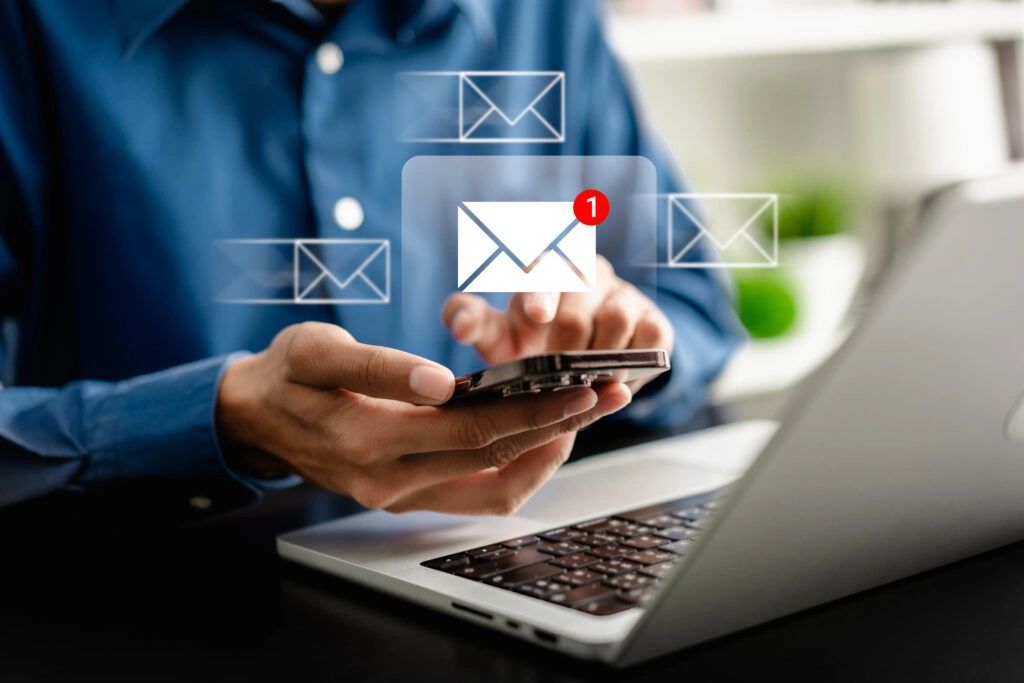
Continuing our exploration of authentication methods, following our discussions on SMS and Email OTPs and authentication apps, we now turn our attention to push notification authentication. This method offers a convenient and secure way to verify login attempts by simply tapping a button on your mobile device. Let’s delve into how it works, its benefits, and its drawbacks.
How Push Notification Authentication Works
Push notification authentication simplifies the login process by sending a notification to a registered mobile device whenever a login attempt is made. Here’s a step-by-step breakdown of the process:
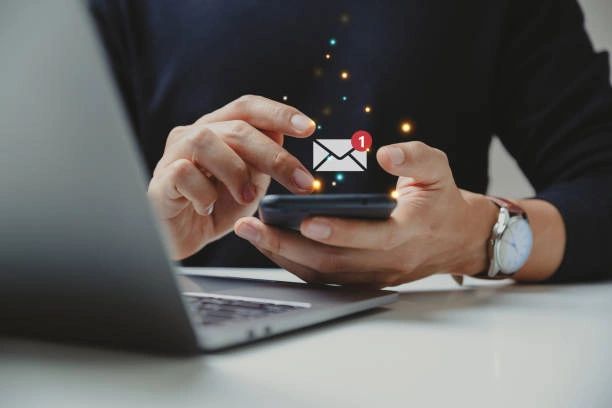
1. Notification: When a user attempts to log in, a push notification is sent to their registered mobile device.
2. Approval: The user then taps “Approve” or “Deny” on the notification to complete or block the login attempt.
Benefits of Push Notification Authentication
This method offers several advantages:
• Convenience: Push notifications simplify the login process by requiring only a tap on the notification, making it user-friendly and quick.
• Security: Push notifications are generally encrypted, making them less susceptible to phishing attacks compared to traditional methods like SMS or email OTPs. Additionally, the real-time nature of push notifications helps ensure that only the device owner can approve the login attempt.
Drawbacks of Push Notification Authentication
Despite its benefits, push notification authentication comes with a few drawbacks:
• Device Dependency: This method relies on the availability of the user’s mobile device. If the device is lost, stolen, or otherwise inaccessible, the user may not be able to authenticate.
• App Requirements: Users must install a specific authentication app that supports push notifications, which may be a barrier for less tech-savvy individuals.
Popular Apps for Push Notification Authentication
Several authentication apps support push notification authentication, enhancing security with ease of use. Some notable examples include:
• Duo Mobile: Widely used in both corporate and personal settings, Duo Mobile offers robust push notification authentication along with other security features.
• Microsoft Authenticator: Known for its seamless integration with Microsoft services, this app also supports push notifications for login approvals.
• Google Authenticator: While primarily known for generating OTPs, Google Authenticator also supports push notifications for added convenience.
• Authy: Offers comprehensive backup and multi-device synchronization, making it a flexible choice for users.
Relevant Statistics
To emphasize the effectiveness of push notification authentication, consider these statistics:
• Adoption Rate: A report by Okta found that push notifications are the preferred method of MFA for 36% of businesses, highlighting its growing popularity.
• Security Impact: According to Microsoft, enabling MFA, including push notifications, can block over 99.9% of account compromise attacks.
• User Preferences: A survey by Symantec revealed that 70% of users prefer push notifications over other MFA methods due to their ease of use and quick response time.
Push notification authentication offers a blend of convenience and security, making it an attractive option for users looking to streamline their login process. While it does require the availability of a mobile device and the installation of a specific app, its benefits far outweigh these minor inconveniences.
For more insights on enhancing your digital security, stay tuned to our blog. If you haven’t already, check out our previous posts on One-Time Passwords (OTP): A Guide to SMS and Email Authentication and Protecting Your Accounts: A Guide to Using Authentication Apps to understand how these methods compare to push notification authentication.
By integrating push notification authentication into your security strategy, you take a significant step towards safeguarding your digital identity against evolving cyber threats.
Stay connected with ParleTech for more security tips and updates, and feel free to schedule a call with us to discuss your authentication needs.
Share this post: