2 March 2023|IT Tips
Whether it happens gradually over time or all of a sudden, trying to work with a slow computer can be seriously frustrating. Even if you’re fairly diligent with the maintenance of your laptop or PC, it’s surprising how quickly things slow down. If you’re running Windows 10, 8, or 7 and asking yourself “Why is my laptop so slow?” this post is for you!

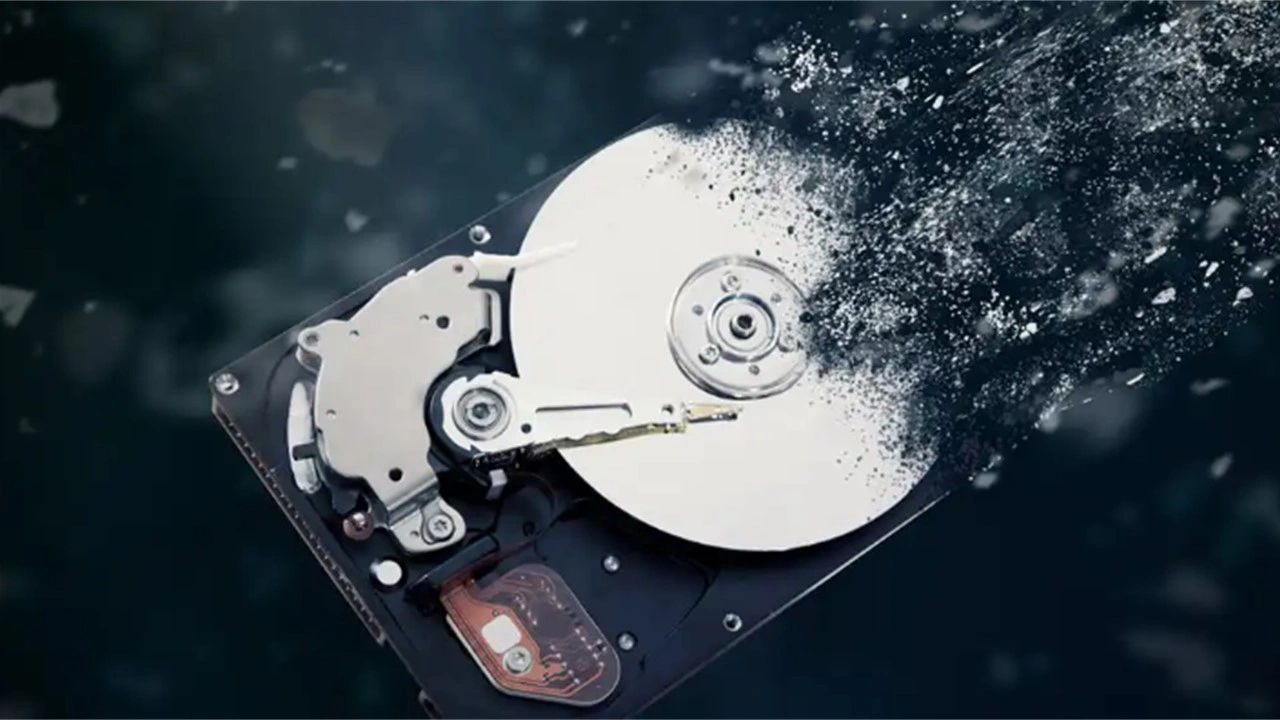
Free Up Disk Space:
Get rid of trial software, software you rarely use, games you don’t play anymore, and empty your web browser cache. Trying to clear disk space in Windows is all about knowing which files your computer needs, and which ones it can live without. Otherwise, you may end up deleting important personal data, or hobbling your laptop or desktop by erasing essential system files.
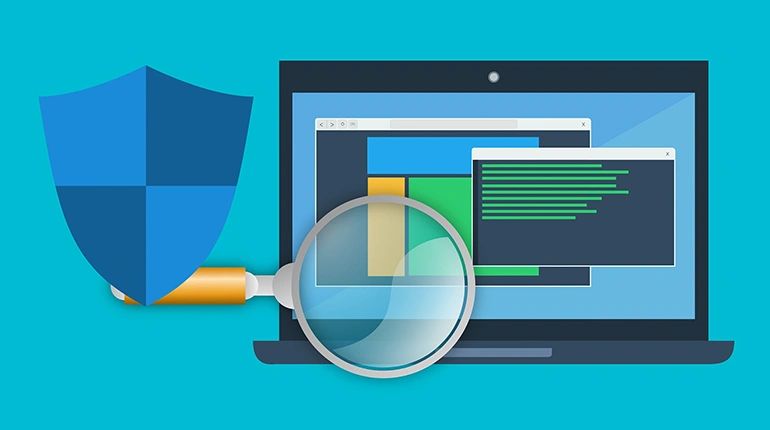
Scan Regularly:
Periodically scan your PC for Viruses, spyware, and registry error. A virus scanner ensures that your computer is not vulnerable to viruses. It is the most important piece of software for protecting your computer and your data. Although no virus scanner offers 100% protection, installing one is crucial.
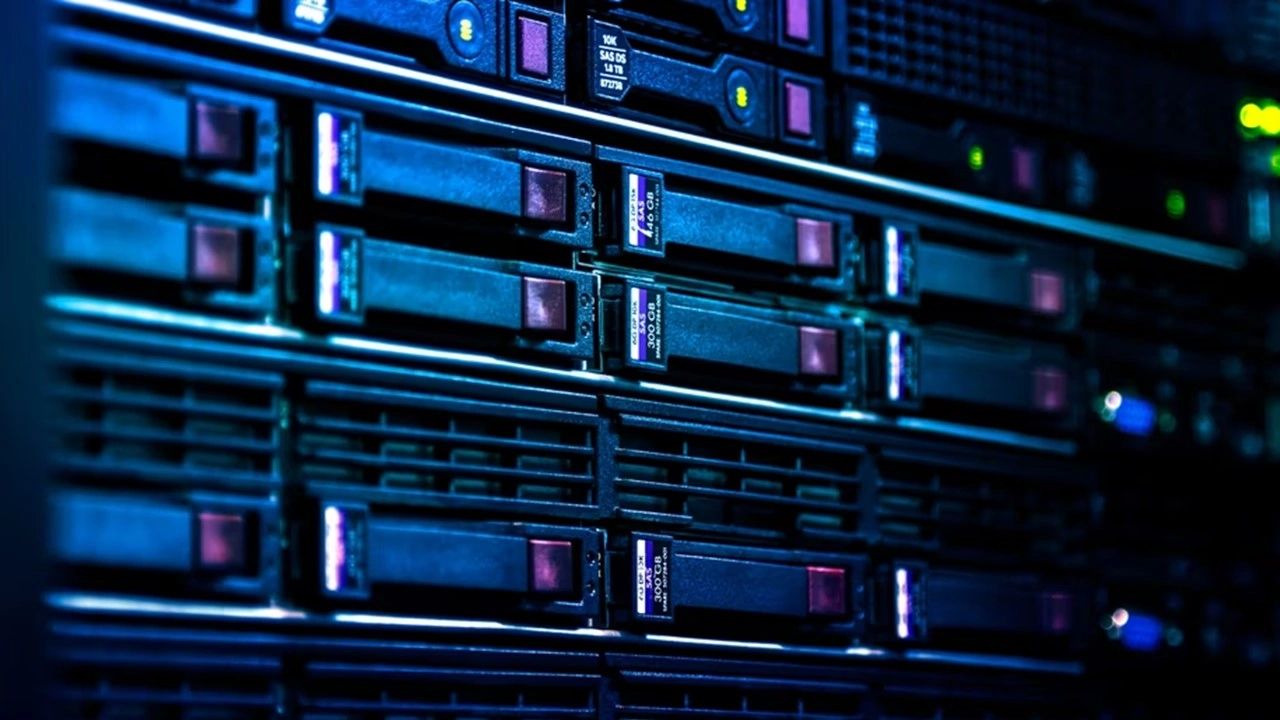
Use a R.A.I.D:
What is RAID? RAID (redundant array of independent disks) is a way of storing the same data in different places on multiple hard disks or solid-state drives (SSDs) to protect data in the case of a drive failure. There are different RAID levels, however, and not all have the goal of providing redundancy.
DEFRAG:
Defragmentation, also known as “defrag” or “defragging”, is the process of reorganizing the data stored on the hard drive so that related pieces of data are put back together, all lined up in a continuous fashion. defragmentation is like cleaning house for your Servers or PCs, it picks up all of the pieces of data that are spread across your hard drive and puts them back together again, nice and neat and clean
.
Turn Off Indexing:
In Windows XP and Vista, the indexing is turned on by default for all local drives, slowing down other programs. Turn off indexing for better performance.

This service is included at no extra charge with your Parle Tech support contract.
Share this post: