
27 October 2023 | IT Tips
Staying organized and managing tasks efficiently is essential. Microsoft OneNote is a versatile and powerful tool that can help you achieve just that. This blog post delves into the numerous advantages of using OneNote for your personal and professional needs, providing an in-depth look at how it can enhance your productivity. Let’s explore the many ways OneNote can make your life easier.

1. Task Management
OneNote boasts a robust task management system, allowing you to create to-do lists and assign due dates to tasks. You can easily track your progress, ensuring you never miss an important deadline.
2. Collaboration
OneNote supports real-time collaboration, making it perfect for group projects, meetings, and brainstorming sessions. Multiple users can work on the same notebook simultaneously, facilitating seamless teamwork.
3. Audio and Video Recording
Capture important moments in meetings, lectures, or training sessions by recording audio and video notes directly in OneNote. This feature is a game-changer for those who prefer multimedia notes.
4. Research

OneNote is an invaluable tool for researchers. You can document your findings, cite sources, and link to external documents or websites, streamlining the research process.
5. Backup and Sync
Worried about losing your notes? OneNote automatically backs up your data to OneDrive, ensuring you can access your information across devices. Say goodbye to the fear of data loss.
6. Cross-Platform Access
OneNote is available on various platforms, including Windows, Mac, iOS, and Android. Your notes sync seamlessly across all your devices, guaranteeing easy access wherever you are.

7. Password Protect Sections
For sensitive or confidential information, OneNote allows you to password-protect specific sections. Your private data remains secure, even if others have access to your notebook.
8. Outlook Integration
Seamlessly integrate OneNote with Microsoft Outlook to enhance organization and follow-up. You can send emails or meeting details directly from Outlook to OneNote, eliminating the need to switch between applications.
9. Backup and Export
OneNote gives you the option to regularly back up your notebooks and export them to various formats, including PDF. This versatility ensures your data remains accessible and portable.
10. Digital Ink
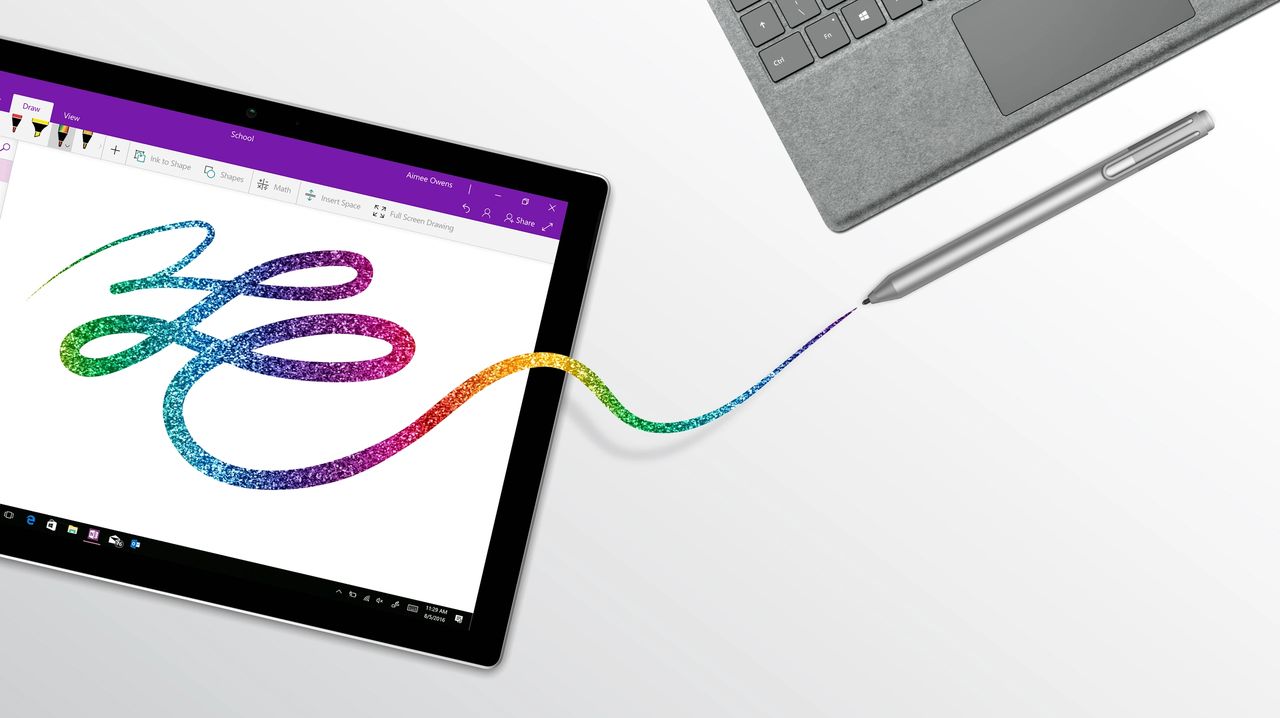
If you have a touchscreen device or stylus, you can harness the power of digital ink in OneNote. This feature enables you to sketch, draw, and annotate your notes, making it an excellent choice for creative professionals.
Statistics:
The Power of OneNote To emphasize the impact of OneNote, consider these statistics:
- 91% of Fortune 100 companies use Microsoft OneNote for improved productivity and collaboration.

- Over 500 million people worldwide use OneNote, highlighting its global popularity.
- 50% of educators use OneNote to create interactive and engaging learning materials for students.
- 3.5 billion minutes of meetings are recorded using OneNote each month, demonstrating its usefulness in business settings.
Microsoft OneNote is a versatile and multifunctional tool that can transform the way you manage tasks, collaborate, and organize your digital life. Whether you’re a student, professional, or creative enthusiast, OneNote offers a wide range of features to suit your needs. Its seamless integration with other Microsoft Office products makes it a valuable addition to your productivity toolkit. So, why not give it a try and experience the benefits for yourself?
Share this post: