
23 November 2024 | IT Tips
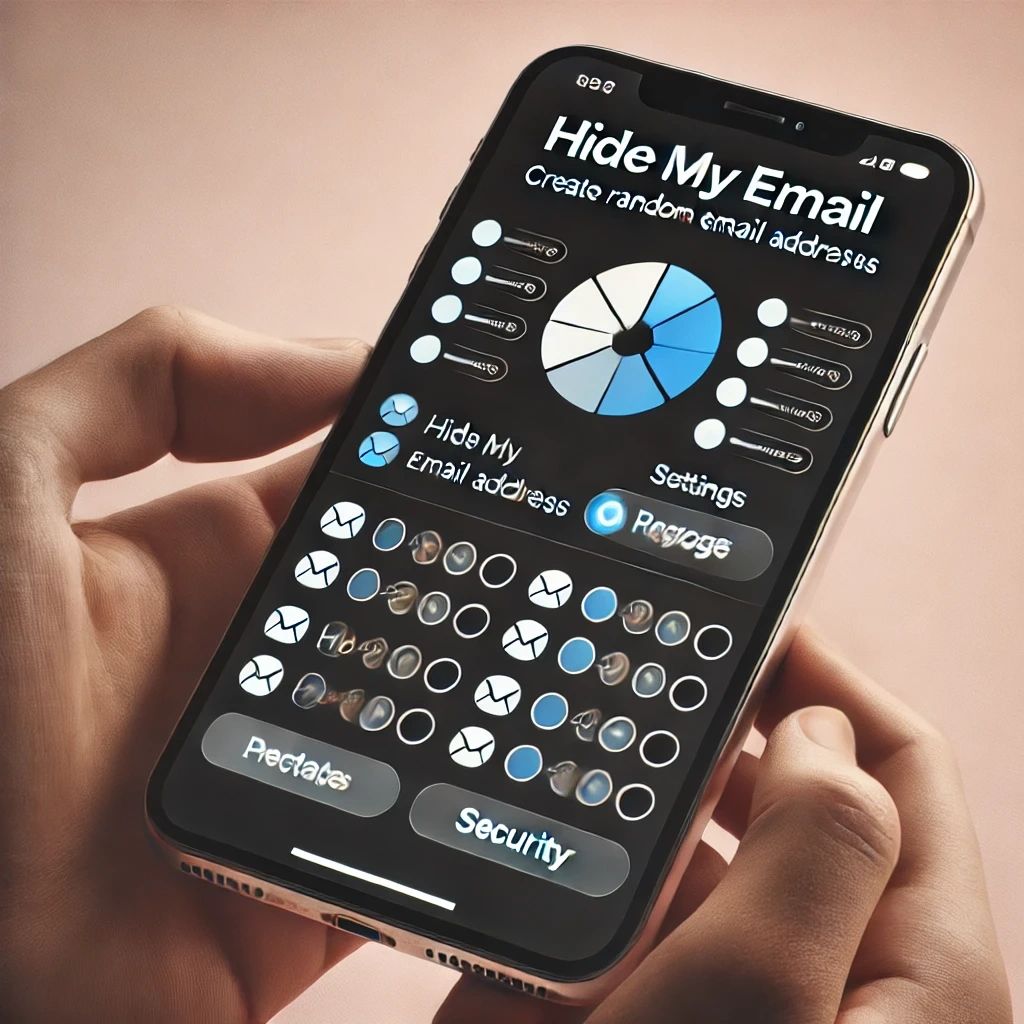
Your email address is incredibly valuable to websites, marketing services, apps and other third parties. It plays a big part in how companies get their products and services directly to you without much effort and expense. Spam and marketing emails here and there typically aren’t much of a concern, but over time they eventually become a nuisance when your inbox becomes flooded with them.In this blog, we will explore what “Hide My Email” is, how it works, and why it is a valuable tool for enhancing your online privacy.
What is “Hide My Email”?
“Hide My Email” is a privacy feature introduced by Apple that allows users to create unique, random email addresses that forward messages to their personal inbox. This feature is part of Apple’s iCloud+ subscription service and is designed to help users keep their personal email addresses private, thereby reducing the risk of spam and phishing attacks.
How Does “Hide My Email” Work?
Using “Hide My Email” is straightforward and user-friendly. Here’s a step-by-step guide on how it works:
1. Create a Random Email Address: When you sign up for a service or a website, you can generate a random email address through “Hide My Email.” This random email address is linked to your iCloud account and will forward all received emails to your actual email address.
2. Manage Your Email Addresses: You can create multiple random email addresses for different services. Apple provides a convenient interface to manage these addresses, allowing you to label them for easy identification.
3. Control Your Privacy: If you start receiving unwanted emails, you can easily deactivate the random email address associated with that service. This action stops the forwarding of emails, preventing spam from reaching your inbox.
4. Enhanced Security: Since each random email address is unique to a particular service, even if one address is compromised, your primary email remains secure.
Benefits of Using “Hide My Email”
1. Enhanced Privacy: By using random email addresses, you can prevent companies and malicious actors from accessing your real email address. This reduces the risk of targeted phishing attacks and spam.
2. Control Over Your Inbox: With the ability to deactivate random email addresses, you have better control over your inbox. If a service starts sending unwanted emails, you can stop it without affecting other communications.
3. Reduced Spam: Using unique email addresses for different services can significantly reduce the amount of spam you receive. Even if one address is leaked, it won’t affect your primary inbox.
4. Convenience: Apple integrates “Hide My Email” seamlessly into its ecosystem, making it easy to use across devices. You can access and manage your random email addresses from your iPhone, iPad, or Mac.
5. Improved Security: By keeping your personal email address private, you reduce the chances of it being exposed in data breaches. This helps protect your online identity and personal information.
The Need for Privacy: Statistics
To understand the importance of features like “Hide My Email,” let’s look at some statistics:
1. Data Breaches: In 2023, there were over 1,200 data breaches reported in the United States alone, exposing more than 150 million sensitive records.
2. Spam Emails: It is estimated that spam emails make up 45.1% of all emails sent globally.
3. Phishing Attacks: According to a report by Verizon, 36% of data breaches involved phishing, making it one of the most common attack vectors.
4. Email Privacy Concerns: A survey by Pew Research Center found that 81% of Americans feel they have little or no control over the data that companies collect about them.
How to Get Started with “Hide My Email”
To start using “Hide My Email,” you need an iCloud+ subscription. Here’s how you can set it up:
1. Upgrade to iCloud+: If you haven’t already, upgrade your iCloud storage plan to iCloud+.
2. Access Hide My Email: On your iPhone or iPad, go to Settings > [Your Name] > iCloud > Hide My Email. On a Mac, go to System Preferences > Apple ID > iCloud > Options next to Hide My Email.
3. Create a Random Email Address: Follow the prompts to create a new random email address whenever you sign up for a new service.
4. Manage Your Addresses: Use the “Hide My Email” section in iCloud settings to view and manage your random email addresses.
However, Apple is not the only provider offering such privacy-enhancing features. Other notable options include:
Firefox Relay: Mozilla’s Firefox Relay allows users to create alias email addresses that forward to their primary email account. This helps keep your real email private and reduces spam.
Proton Mail: Known for its strong privacy features, ProtonMail offers email aliases and domain protection, allowing users to maintain their privacy and manage multiple email identities.
Simple Login: This service lets users create unlimited email aliases, protecting their primary email address from spam and data breaches. SimpleLogin also integrates with various email providers.
Burner Mail: Burner Mail provides temporary, disposable email addresses for users, helping to keep their primary inbox clean and secure from unwanted emails.
We will cover these alternative solutions in detail in our upcoming blogs, exploring their features, benefits, and how they compare to Apple’s “Hide My Email.” Stay tuned to learn more about these privacy tools and how they can help protect your online identity.
Stay safe and take control of your privacy with “Hide My Email” and other similar features.
Share this post: